

 Bonani DOSH, Dhaka - 1230, Bangladesh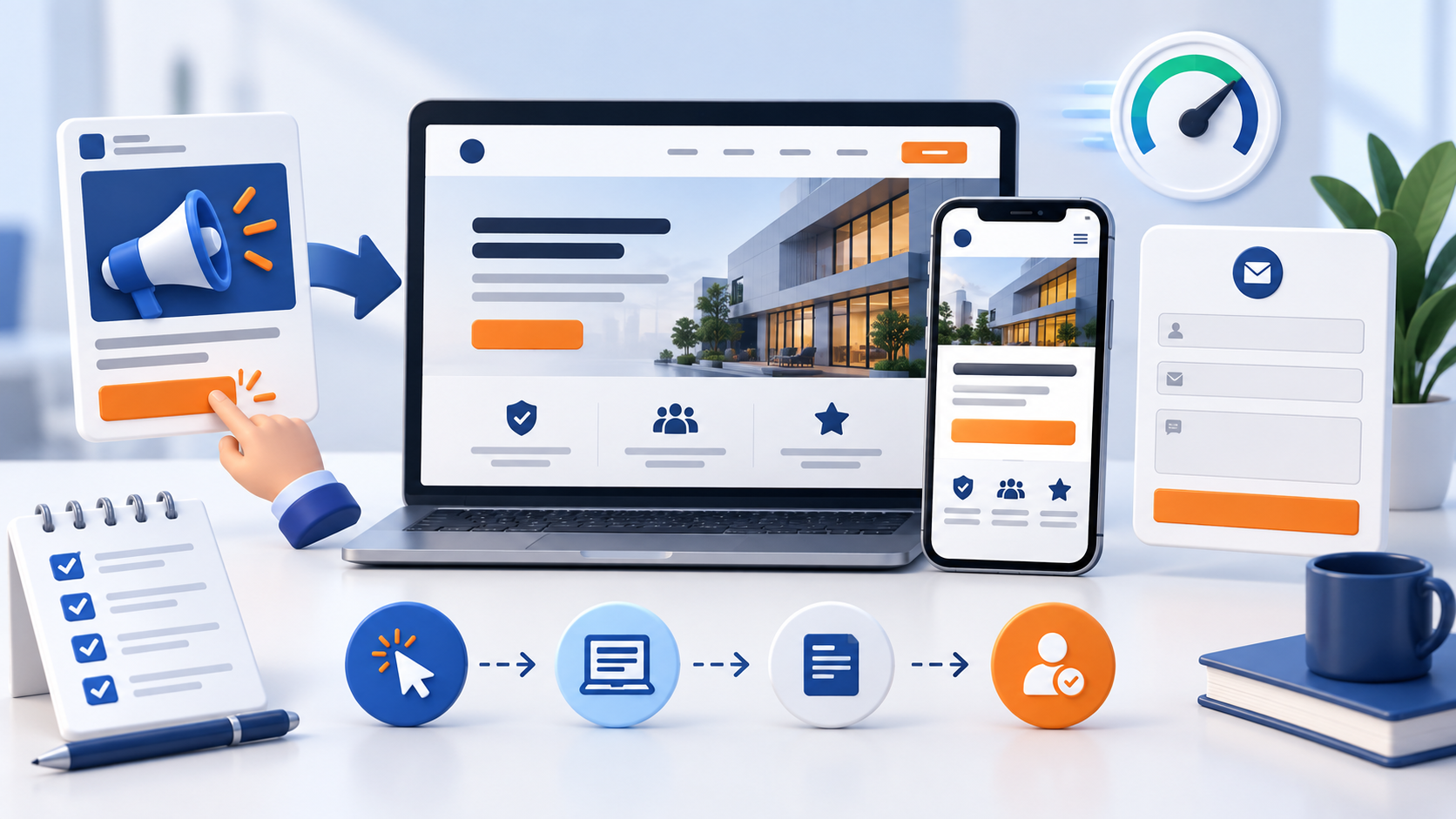

Business Website Conversion Checklist: 15 Things to Fix Before Running Ads
Running ads can bring qualified visitors to your website, but traffic alone does not create enquiries. When the page is slow, unclear or difficult to use, people may leave before they understand the offer. This business website conversion checklist helps you fix the most important friction points before spending more on paid traffic. Before expanding paid traffic, check the site foundations with the business website planning checklist.
The checklist is written for small businesses and service providers that want a practical review before launching Facebook Ads, Google Ads or another campaign. You do not need to change everything in one day. Start with the issues that can stop a visitor from understanding the service or taking the next step.

What conversion means for a business website
A conversion is the meaningful action you want a visitor to take. For a service business, that might be a contact-form submission, a call, a WhatsApp message, a consultation request or a quote request. The best action depends on the service, buying stage and level of trust a new visitor needs.
A high-converting page is not a page that pressures every visitor. It is a page that answers the right questions at the right time, removes avoidable uncertainty and makes the next step easy for a good-fit customer.
Before you start: define one page goal
Choose the primary action for the landing page before editing the design. If the page asks visitors to buy, book a call, download a guide, send a message and follow several social accounts with equal emphasis, the visitor may not know what to do first.
You can still include secondary links, but give one action the strongest visual priority. Match that action with the campaign objective and the promise made in the ad.
15 website conversion fixes to review
1. Match the page to the ad promise
The headline and first section should continue the idea introduced by the ad. If an ad promises monthly digital marketing support, the landing page should not open with a vague statement about creativity. Continue the same service, audience and outcome so the visitor knows they arrived in the right place.
2. Explain who the service is for
State the intended customer clearly. A service page can mention the business size, industry, location or problem it is designed to support. Specificity helps a suitable visitor recognise relevance and helps an unsuitable visitor leave without wasting either side’s time.
3. Make the main benefit easy to understand
Describe the practical change the customer is looking for. “Get a clearer path from ad click to qualified enquiry” is more useful than a list of broad adjectives. Support the benefit with a short explanation of what the team actually does.
4. Put a clear call to action above the fold
Visitors should see the next action without scrolling through a long introduction. Use a clear label such as “Request a consultation”, “Get a project estimate” or “Talk to the MAS team”. The button should lead to the intended action and should work on a small screen.
5. Keep the first form short
Ask only for information needed to make the first response useful. Name, email, service interest and a short project description may be enough to begin. Longer qualification questions can be added later when the customer understands why the information is needed.
6. Show what happens after submission
Tell the visitor what to expect next: when the team will respond, which channel may be used and whether the first conversation is a review or a confirmed booking. Clear expectations reduce uncertainty and prevent people from submitting a form and wondering whether it worked.
7. Add real proof without exaggeration
Use relevant portfolio work, genuine testimonials, client examples, process screenshots or clear experience details. Proof should help the visitor judge fit. Avoid invented numbers, unverified claims or reviews that cannot be connected to a real customer experience.
8. Explain the service process
A simple three- or four-step process can make a complex service easier to understand. For example: share your goal, review the current situation, receive a recommended plan, then decide the next step. Keep the process accurate and make it clear where the customer makes a decision.
9. Make pricing expectations clear
If fixed pricing or packages are available, link to them or show the starting point. If a custom quote is required, explain what affects the price and how the estimate is prepared. A visitor may accept a higher price when the scope, outcome and process are transparent.
10. Check mobile usability
Many ad clicks will come from a phone. Test the page on a real mobile viewport: read the headline, open the menu, tap the button, complete the form and check the confirmation state. Make sure the button is not hidden behind a sticky bar, chat widget or oversized image.
11. Improve speed before adding more effects
Compress large images, remove unnecessary scripts and load only the features the page needs. A beautiful page that takes too long to become usable can lose visitors before the content appears. Check the page on mobile data as well as a fast desktop connection.
12. Remove distracting choices
Navigation and helpful internal links are useful, but a campaign landing page should not feel like a maze. Keep unrelated banners, popups and repeated promotions away from the main decision. Let the page guide the visitor toward one clear action.
13. Make trust and privacy visible
Link to the relevant privacy policy and explain how submitted details will be used. Use HTTPS, show accurate contact information and avoid requesting sensitive information that is not required. Trust is part of conversion, especially when a visitor is sharing their email or phone number.
14. Test every tracking and contact path
Before launch, submit the form yourself, test the phone link, check WhatsApp or chat links and confirm that the success message appears. If you use analytics or ad conversion tracking, verify that the event fires once and carries the correct page or campaign context.
15. Give the visitor a useful answer after the click
The page should provide enough information to make the next step feel reasonable. Add concise answers to common questions about scope, timing, service area, required materials and communication. If the visitor is not ready to contact you, offer one helpful next resource without turning the page into a collection of unrelated links.
Quick conversion review table
| Review area | Good sign | Risk to fix |
|---|---|---|
| Message match | Ad, headline and offer describe the same customer problem | Visitor feels they landed on the wrong page |
| Primary CTA | One clear action is visible and works on mobile | Several equal buttons create hesitation |
| Trust | Genuine proof, accurate details and privacy link | Unsupported claims or missing contact information |
| Form | Short fields with a clear response expectation | Too many questions or no confirmation state |
| Measurement | Form, call and conversion events are tested | Ad results cannot be connected to real enquiries |
How to prioritise the fixes
Start with blockers before polishing. A broken form, unclear offer, missing mobile CTA or incorrect tracking deserves attention before new animations or decorative sections. Next, improve the proof, process and pricing clarity. Finally, test alternative headlines, button labels or layouts after the fundamentals are stable.
Keep a simple record of each change and the date it went live. Compare qualified enquiries rather than judging a page from one day of clicks. Different services have different decision cycles, so allow enough time and volume for a useful comparison.
When to create a dedicated landing page
A dedicated landing page is useful when the campaign has a specific audience, service or offer that deserves a focused message. It can be better than sending every ad to the homepage, especially when the homepage serves several services and customer types.
The homepage still has an important role: it helps people who want to explore the wider brand. A campaign page should focus on the promised service and make it easy to contact the team. Both pages should have accurate information and a consistent brand experience.
Final pre-launch checklist
- The ad promise and landing-page headline match.
- The target customer and service outcome are clear within the first screen.
- The primary CTA is visible, descriptive and mobile-friendly.
- The form asks only for necessary information and confirms successful submission.
- Pricing expectations, process and response time are explained.
- Proof is genuine, relevant and easy to understand.
- Privacy, HTTPS and contact details are visible.
- Forms, phone links, WhatsApp links and tracking events have been tested.
Note: More clicks are not automatically better. A strong website helps the right visitor understand the offer and helps your team receive a clearer, more relevant enquiry.
Need help improving a business website?
Review the MAS Web Design service if your website needs a clearer structure, responsive layout or conversion-focused page. If the website is ready and you want to plan the campaign, explore our Online Advertising service or contact the MAS team with your goal.
Frequently Asked Questions
Should I send all ad traffic to my homepage?
Not always. A focused landing page can create a clearer message when the ad promotes one service, audience or offer. The homepage is still useful for visitors who want to explore the wider business.
How many fields should a lead form have?
Use the smallest number of fields that lets your team respond usefully. Start with essential contact and project information, then collect more detail after the visitor understands the service.
How can I know whether the website is converting?
Track meaningful actions such as qualified forms, calls, messages and consultation requests. Compare those actions with campaign cost and lead quality instead of relying only on clicks or page views.
Do I need a new website before running ads?
Not necessarily. First review the existing page for message clarity, mobile usability, speed, trust, forms and tracking. Some focused improvements can make a page more useful without rebuilding the entire website.

