

 Bonani DOSH, Dhaka - 1230, Bangladesh

Google Analytics 4 for Small Business: Events, Conversions and Reports
Google Analytics 4 can help a small business understand how people discover its website, which pages they use and which actions lead to enquiries, bookings or sales. The value does not come from collecting every possible number. It comes from measuring a small set of useful actions and turning the results into better decisions. For a Google Ads-specific example, continue with this intent and conversion tracking guide.
This practical guide explains how to plan a simple Google Analytics 4 setup, define events and conversions, check campaign traffic, protect customer privacy and build reports that a small team can actually use. You do not need a complicated dashboard to start; you need reliable answers to important business questions.
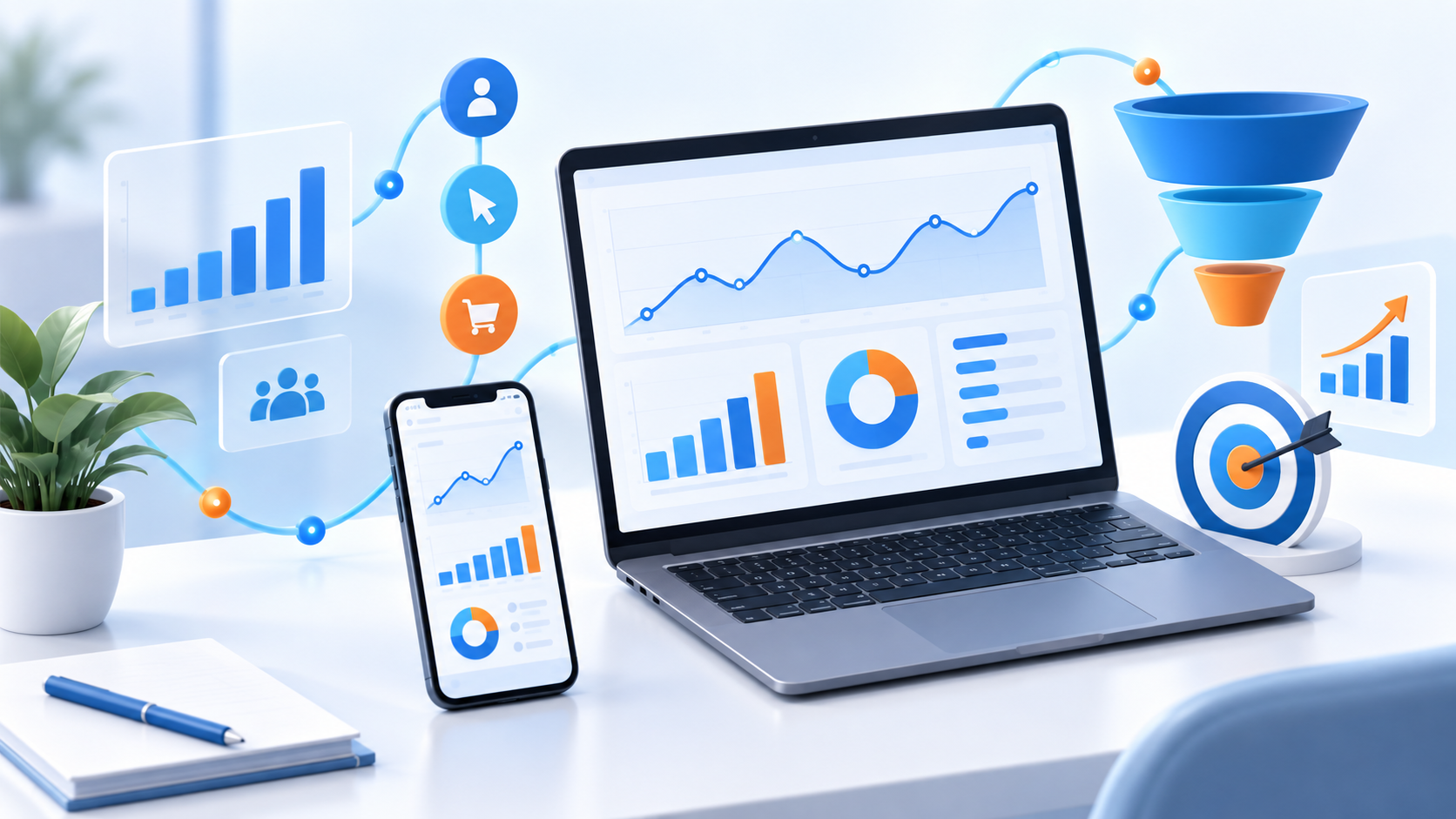
What Google Analytics 4 should help you answer
Before adding tags or building reports, write down the questions your team needs to answer. A service business may want to know which campaign generates qualified enquiries. An online store may need to compare product views, add-to-cart actions and completed purchases. A blog may focus on engaged readers and the pages that lead visitors to contact the business.
| Business question | Useful measurement | Decision it can support |
|---|---|---|
| How do people find us? | Source, medium, campaign and landing page | Where to focus content and advertising |
| Which pages create interest? | Engagement, scroll activity and next-page clicks | What content or layout needs improvement |
| Which visitors become leads? | Form submission, call click, WhatsApp click or booking start | Which audience and offer deserve more attention |
| Which sales are profitable? | Purchase value, product and campaign data | How to improve budget and promotion choices |
Plan the measurement before installing tags
A measurement plan is a short document that connects business goals to website actions. It keeps the setup understandable and prevents a dashboard full of events that nobody uses.
For each action, record the event name, when it should fire, the useful parameters, whether it is a primary conversion and how the team will use the result. Avoid naming events after temporary button text because the design may change later.
Example measurement plan
| Goal | Event example | Important detail | Primary conversion? |
|---|---|---|---|
| Contact request | generate_lead | Service or form type | Usually yes |
| Booking request | booking_submit | Booking type and value | Usually yes |
| Phone enquiry | phone_click | Page and click location | Depends on lead quality |
| WhatsApp enquiry | whatsapp_click | Page and service context | Depends on follow-up process |
| Content engagement | article_engaged | Article or topic | Usually no |
Events, key events and conversions
An event records something that happens. A business can then identify the events that represent meaningful outcomes and use them as primary indicators. The exact names and interface labels may change over time, so focus on the measurement principle: distinguish ordinary activity from actions that represent business value.
For example, a page view is useful context but rarely a completed business goal. A verified form submission, paid order or qualified booking is closer to the outcome that marketing and sales teams need to understand.
Use a consistent naming system
- Use lowercase names with a clear structure.
- Choose one event name for one action across the website.
- Use parameters for details such as service, location or campaign.
- Do not create separate event names for every button colour or wording variation.
- Document whether an event means a click, a submitted form or a verified outcome.
Track the full customer journey
A single click does not always represent a completed lead. A better setup follows the journey from landing page to confirmation and, where possible, to a verified business outcome.
- A visitor arrives from a search result, social post, advertisement or referral.
- The visitor views a relevant page and chooses a next action.
- The visitor starts a form, booking flow or checkout.
- The visitor submits the information or completes the order.
- The business verifies the lead, payment or booking outcome.
- The team reviews quality and uses the insight to improve the next campaign.
If a form can be submitted repeatedly, track the confirmation step carefully and use server-side records or CRM outcomes when lead quality matters. Counting every button click as a conversion can make a campaign look successful while sales receives no useful enquiries.
Campaign tracking without messy reports
Use consistent campaign parameters for links shared in ads, social posts, emails and partner promotions. The source should identify where the visitor came from, the medium should describe the channel and the campaign should identify the initiative.
| Field | Example | Purpose |
|---|---|---|
| Source | Identifies the platform or referrer | |
| Medium | paid_social | Groups the channel type |
| Campaign | service_launch_sep | Identifies the promotion or initiative |
| Content | video_a | Separates creative or placement variations |
| Term | website_speed | Useful for selected keyword or audience tests |
Keep names short, descriptive and consistent. Do not mix spaces, random abbreviations and multiple spellings of the same campaign because the report will split one initiative into several rows.
Important reports for a small business
1. Acquisition report
Use this to compare where visitors came from and whether each source created meaningful engagement or business actions. Look at the landing page and campaign together instead of judging a channel only by traffic volume.
2. Landing page report
Compare the pages where visitors entered the website. A page with many visitors but few next actions may need a clearer offer, faster loading, stronger proof or a more visible contact path.
3. Conversion report
Review primary events by source, campaign, device and landing page. Always check the definition of each conversion and confirm that test submissions or duplicate actions are not inflating the total.
4. Content report
For blog content, compare engaged sessions, scroll depth, internal link clicks and assisted enquiries. A useful article may not generate a lead on the first page view but can help a visitor return later.
5. Device and journey report
Compare mobile and desktop performance through the actual conversion journey. A page can look fine on a laptop while a mobile form, menu or payment step creates friction.
Quality checks before trusting the data
- Confirm that the measurement tag loads only on the intended website.
- Check that internal team visits and test traffic are handled consistently.
- Submit a test form and confirm the expected event fires once.
- Check that a refresh or back-button action does not duplicate a completed conversion.
- Verify that campaign parameters remain available on the landing page.
- Compare analytics totals with form, CRM, booking or order records.
- Review consent and privacy settings for the regions and audiences you serve.
- Document changes to tags, forms, checkout and tracking rules.
Note: Analytics is a decision-support system, not a perfect count of every person. Use it together with website records, customer feedback and business outcomes.
Privacy and responsible data collection
Collect only the information needed for a clear purpose. Do not place names, email addresses, phone numbers, passwords, payment details or message content into analytics parameters. Sensitive data should stay in the systems designed to protect and manage it.
Review the site privacy notice, consent settings, access permissions and retention choices. Limit admin access, remove unused users and record who can change tags or publish tracking updates. A clean analytics setup is safer and easier to maintain.
How to use analytics to improve campaigns
Use a simple cycle: measure, interpret, change and verify. If a campaign generates visits but few qualified actions, inspect the message, audience, landing page and offer before assuming the channel is the problem. If mobile visitors drop at the form, test the form and page experience on a real phone.
Make one meaningful change at a time when possible. Write down the question, the change, the date and the result. This creates a useful record for the team and prevents decisions based on memory or a single unusual day.
A 30-day Google Analytics 4 improvement plan
Days 1–7: define the goals
List the actions that represent a lead, booking, sale or useful content engagement. Remove duplicate definitions and agree on the language the marketing, sales and support teams will use.
Days 8–14: audit the implementation
Test the tag, forms, buttons, campaign links and confirmation pages. Check the data path from browser event to report and record any gaps that need developer or platform support.
Days 15–21: build the core reports
Create a small set of reports for acquisition, landing pages, conversions, content and devices. Add only metrics that answer the questions written in the measurement plan.
Days 22–30: turn findings into actions
Choose two or three improvements based on evidence, assign an owner and define how success will be checked. Review the results after enough traffic has accumulated instead of reacting to every short-term fluctuation.
Common Google Analytics mistakes
- Tracking every click without defining the business outcome.
- Creating several names for the same conversion.
- Judging a channel only by traffic instead of qualified results.
- Ignoring campaign parameters and relying on unlabelled links.
- Sending personal or payment information into event parameters.
- Changing tracking without recording what changed and when.
- Trusting a single report without comparing website or CRM records.
- Making decisions before the sample is large enough to be useful.
- Giving too many people permission to edit the measurement setup.
Frequently Asked Questions
Is Google Analytics 4 useful for a small business?
Yes, when it is configured around a small number of meaningful business questions. A simple setup that measures qualified enquiries or sales is more useful than a complex setup nobody reviews.
What should I track first?
Start with the primary outcome: a verified lead, booking, purchase or contact action. Then track the steps that help explain how visitors reach that outcome, such as landing page, campaign and device.
What is the difference between an event and a conversion?
An event records an interaction or occurrence. A conversion is an important outcome selected for business reporting. The platform terminology may change, but the distinction between activity and outcome remains useful.
How do I know whether a campaign is working?
Compare qualified outcomes and business value with the campaign cost and capacity. Traffic, clicks and engagement are supporting signals; they should be interpreted alongside enquiries, bookings, sales or other agreed outcomes.
Can analytics show customer names and email addresses?
Analytics should not be used to store personal contact details or sensitive information in event parameters. Keep customer records in the website, CRM or booking system and use privacy-safe aggregate measurement.
How often should reports be reviewed?
A small team can review core reports weekly or monthly depending on traffic and campaign activity. Review after important releases and allow enough time for meaningful data before changing strategy.
Do I need a custom dashboard?
Not at first. Begin with a short measurement plan and a few standard reports. Create a custom dashboard only when it makes a recurring decision faster or clearer for the people who use it.

