

 Bonani DOSH, Dhaka - 1230, Bangladesh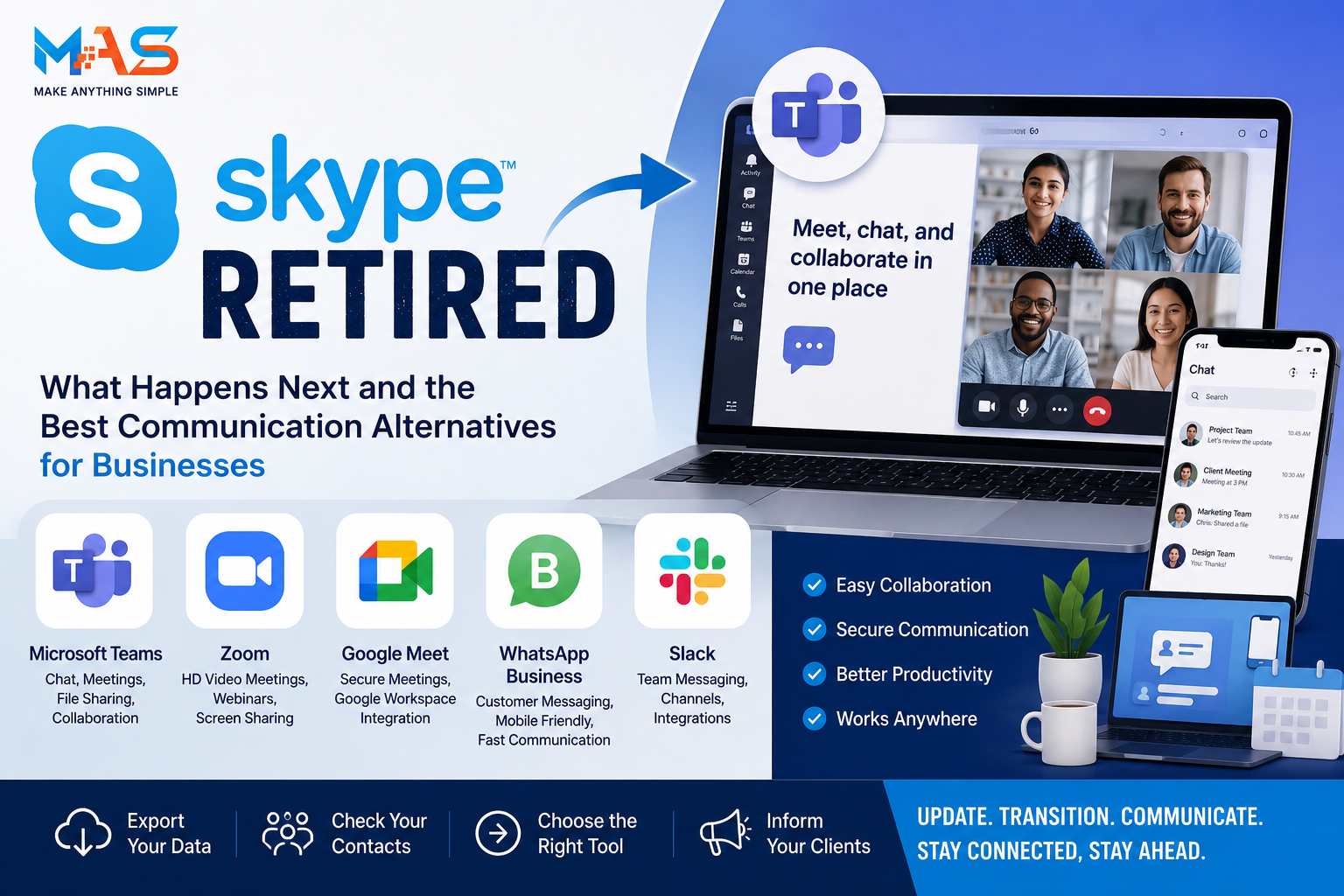

Skype Retired: What Happens Next and the Best Communication Alternatives for Businesses
Skype was once one of the most important communication tools on the internet. For many people, it was the first app they used for long-distance calls, video meetings, online interviews, international conversations, and remote business communication.
But the digital communication market has changed. Businesses now use more integrated tools for meetings, chat, file sharing, calendars, team collaboration, screen sharing, webinars, and customer communication. Skype slowly became less central as platforms like Microsoft Teams, Zoom, Google Meet, WhatsApp, Slack, and other collaboration tools became part of daily work.
Skype has now officially retired. For personal users, small businesses, freelancers, and teams that still used Skype, the important question is no longer “Is Skype shutting down?”
The better question is:
What should Skype users do now, and which communication platform should a business choose next?
This guide explains what happened to Skype, what happens to Skype accounts and data, how Microsoft Teams fits into the transition, and what alternatives businesses should consider for modern communication.
What happened to Skype?
Skype was retired in 2025 as Microsoft shifted its focus toward Microsoft Teams. This means Skype is no longer the main communication platform Microsoft is promoting for everyday chat, calls, and video meetings.
For many users, the retirement of Skype feels like the end of an era. Skype helped make internet calling normal long before remote work and video meetings became common. It allowed people to make voice and video calls across countries, communicate with friends and family, and run business conversations online.
However, communication needs changed over time. Businesses now expect more than simple calls. They need team channels, meeting links, file sharing, cloud storage, calendar integration, collaboration features, mobile access, security controls, and better workflow integration.
Skype was strong as a calling tool, but modern business communication moved toward complete collaboration platforms.
Is Skype still available?
Skype is no longer available as a normal active service for general users in the way it was before retirement. Microsoft has directed Skype users toward Microsoft Teams Free as the main replacement option.
Skype users can use their existing Skype credentials to sign in to Microsoft Teams Free. In many cases, chats and contacts are available in Teams after sign-in, depending on account eligibility and migration status.
For users who do not want to move to Teams, Microsoft has provided options to export Skype data for a limited time. This is important for anyone who needs to keep old conversations, shared files, contacts, or business records.
If your business previously used Skype for client communication, you should not wait until the last moment to review your data and communication workflow.
What happens to Skype contacts and chats?
One of the biggest concerns for users is whether old contacts and chat history will disappear.
Microsoft’s transition plan allows Skype users to sign in to Teams Free using Skype credentials. For eligible users, contacts and chats can be available inside Teams Free after migration.
However, not every type of data may move in the same way. Some conversations or special chat types may not migrate fully. For business users, this means you should not assume everything is safe without checking.
Before fully moving away from Skype, users should:
-
Sign in to Microsoft Teams Free with their Skype account
-
Check whether important contacts appear
-
Review old chat history
-
Export important Skype data if needed
-
Save business-critical files, contact details, and records separately
-
Inform important clients or partners about the new communication channel
If Skype was used for business communication, exporting and backing up data is especially important.
What should Skype users do now?
If you or your business still has Skype-related accounts, contacts, or old data, follow a simple transition checklist.
1. Sign in to Microsoft Teams Free
The first step is to sign in to Microsoft Teams Free using your Skype credentials. This helps you check whether your contacts and chats are available after migration.
For many users, Teams is the easiest next step because it is Microsoft’s recommended replacement and uses the same account login path.
2. Export important Skype data
If you have important business messages, client details, shared files, or old conversations, export your Skype data while the option is available.
This is especially important for:
-
Freelancers with old client conversations
-
Agencies with project discussions
-
Consultants with meeting history
-
Businesses with international contacts
-
Users who need records for reference
3. Update your business contact information
If your website, email signature, social media pages, invoices, or business cards still mention Skype, update them.
Replace Skype contact details with your current communication channels, such as:
-
Microsoft Teams
-
Zoom
-
Google Meet
-
WhatsApp Business
-
Email
-
Contact form
-
Booking calendar link
4. Tell clients where to contact you
Do not assume clients will know your new communication method. Send a simple update message to important contacts.
Example:
Skype is no longer our primary communication channel. Please contact us through email, Microsoft Teams, WhatsApp, or our website contact form for future communication.
5. Choose a long-term communication platform
Teams may be the most direct replacement for Skype users, but it may not be the best option for every business. The right platform depends on your workflow, team size, meeting style, client preference, and budget.
Why did Skype lose popularity?
Skype did not disappear because video communication became less important. It disappeared because communication became more advanced and more competitive.
Businesses no longer want only voice and video calls. They need complete communication systems.
Several changes affected Skype over time:
-
Remote work increased demand for full meeting platforms
-
Zoom became popular for easy video meetings
-
Google Meet became common for Google Workspace users
-
Microsoft Teams became central inside Microsoft 365
-
WhatsApp became dominant for quick personal and business messaging
-
Slack became popular for team communication
-
Businesses needed integrations with calendars, files, CRM, and project management tools
Skype was once revolutionary, but the market moved toward platforms that combine communication with workflow.
Microsoft Teams: the most direct Skype replacement
Microsoft Teams Free is the most direct replacement for many Skype users because Microsoft is guiding users toward Teams.
Teams includes many of the core communication features users expected from Skype, such as:
-
One-to-one chats
-
Group chats
-
Audio calls
-
Video calls
-
Meeting links
-
Screen sharing
-
File sharing
-
Cross-device access
For businesses already using Microsoft 365, Teams is often a practical option because it connects with Outlook, OneDrive, SharePoint, and Microsoft calendar tools.
However, Teams may feel heavier than Skype for users who only need simple personal calls. That is why some users may prefer alternatives like Zoom, Google Meet, or WhatsApp depending on their needs.
Best Skype alternatives for businesses
There is no single best Skype replacement for everyone. The best tool depends on how your business communicates.
| Platform | Best For | Main Strength |
| Microsoft Teams | Businesses using Microsoft 365 | Meetings, chat, files, calendar, collaboration |
| Zoom | Client meetings, webinars, remote calls | Simple meeting experience and strong video calling |
| Google Meet | Businesses using Google Workspace | Easy browser-based meetings and calendar integration |
| WhatsApp Business | Small businesses and customer communication | Fast messaging, mobile-first communication |
| Slack | Internal team communication | Channels, team chat, workflow integrations |
| Discord | Communities, creators, informal teams | Community spaces, voice channels, group interaction |
| Telegram | Community broadcast and messaging | Large groups, channels, fast messaging |
Many businesses will use more than one tool. For example, a company may use Teams for internal meetings, WhatsApp Business for customer messages, and Zoom for webinars.
How to choose the right Skype replacement
Before choosing a new communication platform, do not only compare features. Compare your actual business workflow.
Ask these questions:
-
Do we need internal team chat or mostly client calls?
-
Do our clients prefer mobile messaging or scheduled meetings?
-
Do we use Microsoft 365 or Google Workspace?
-
Do we need call recording or meeting transcripts?
-
Do we need webinar features?
-
Do we need file sharing and project collaboration?
-
Do we communicate mostly locally or internationally?
-
Do we need a professional meeting link for sales calls?
-
Do we need CRM or calendar integration?
-
Do we need secure access control for team members?
The right tool is the one that fits your communication style and reduces friction for your clients and team.
For freelancers: what should replace Skype?
Many freelancers used Skype for international clients, interviews, project calls, and quick messages. After Skype retirement, freelancers should choose tools that look professional and are easy for clients to use.
A good freelancer setup may include:
-
Google Meet for quick browser-based meetings
-
Zoom for scheduled client calls
-
WhatsApp Business for fast client messaging
-
Email for official communication and records
-
Calendly or booking tool for scheduling calls
Freelancers should also update profiles on platforms such as LinkedIn, Upwork, Fiverr, personal websites, and email signatures if Skype was listed as a contact method.
For small businesses: what should replace Skype?
Small businesses need communication tools that are simple, affordable, and easy for customers to understand.
A practical small business communication setup may include:
-
Website contact form for inquiries
-
WhatsApp Business for customer communication
-
Google Meet or Teams for scheduled meetings
-
Email for formal communication
-
CRM or spreadsheet for tracking leads
-
Booking link for consultations or service calls
The most important thing is consistency. If customers see one contact method on your website, another on Facebook, and another in your email signature, they may become confused.
After Skype retirement, every business should audit its public contact information.
For agencies and remote teams: what should replace Skype?
Agencies and remote teams need more than video calls. They need collaboration, task management, file sharing, and client communication.
A practical agency setup may include:
-
Microsoft Teams or Slack for internal communication
-
Zoom or Google Meet for client meetings
-
Google Drive, OneDrive, or Dropbox for file sharing
-
Trello, Asana, ClickUp, or Notion for task management
-
Email for formal approvals
-
CRM for lead and client tracking
Skype retirement is a good opportunity for agencies to clean up communication workflows and reduce scattered messages across too many platforms.
How businesses should update their website after Skype retirement
If your website still mentions Skype, update it immediately. Old contact information can reduce trust and lead generation.
Check these website areas:
-
Contact page
-
Footer contact section
-
Team member profiles
-
Service pages
-
Booking pages
-
Landing pages
-
Old blog posts
-
PDF brochures
-
Pricing pages
-
Email signature shown on website
Replace Skype with current channels. For example:
-
Book a meeting
-
Contact us by WhatsApp
-
Email our team
-
Schedule a Teams call
-
Join a Google Meet consultation
This is not only a technical update. It is a trust update.
How to notify clients about moving away from Skype
If you used Skype with clients, send a simple message explaining the change.
Here is a sample message:
Hello, Skype is no longer our active communication channel. For future communication, please contact us through email, WhatsApp, Microsoft Teams, or our website contact form. If you need to schedule a meeting, we can share a meeting link. Thank you.
Keep the message short and clear. The goal is not to explain every detail about Skype. The goal is to make sure clients know where to reach you.
What happens to Skype paid services?
Skype had paid features such as calling credit, subscriptions, and Skype Numbers. After retirement, Microsoft changed how these services are handled.
Users who relied on paid Skype services should review their account, remaining credit, number subscriptions, and calling options. Businesses that used Skype Numbers for customer calls should be especially careful.
If your business phone system depended on Skype, consider moving to a dedicated business phone provider, VoIP platform, Microsoft Teams Phone option, Google Voice where available, or another professional calling solution depending on your country and business needs.
Do not wait until customers fail to reach you. Test your replacement calling system before removing old Skype references.
Skype alternatives by business need
| Business Need | Recommended Type of Tool | Example Platforms |
| Internal team chat | Team collaboration platform | Microsoft Teams, Slack |
| Client video meetings | Meeting platform | Zoom, Google Meet, Microsoft Teams |
| Fast customer messaging | Mobile messaging tool | WhatsApp Business, Messenger, Telegram |
| Formal business communication | Email and CRM | Gmail, Outlook, HubSpot, Zoho |
| Webinars and online events | Webinar platform | Zoom Webinars, Teams webinars, Google Meet events |
| International calling | Business VoIP or phone solution | VoIP provider, Teams Phone, local telecom service |
| Community communication | Community platform | Discord, Telegram, Facebook Groups |
Choosing a replacement becomes easier when you start with the communication need instead of the tool name.
Important mistakes to avoid after Skype retirement
-
Leaving Skype contact details on your website: This can confuse potential customers and reduce trust.
-
Not exporting important data: Old chats, files, and contacts may be important for business records.
-
Moving to too many tools at once: Too many communication channels can create confusion.
-
Not informing clients: Clients need to know where to contact you now.
-
Using personal messaging for all business communication: Keep formal records where needed.
-
Ignoring phone number users: If you used Skype Number, plan a proper replacement.
-
Not training team members: A new platform only works if the team uses it consistently.
Business communication checklist after Skype
Use this checklist to complete your transition:
-
Sign in to Teams Free with Skype credentials
-
Check whether contacts and chats are available
-
Export important Skype data
-
Download important files and media
-
Choose your main meeting platform
-
Choose your main customer messaging channel
-
Update website contact information
-
Update email signature
-
Update social media profiles
-
Update online marketplace profiles
-
Notify clients and partners
-
Test your new meeting links
-
Test your phone or VoIP replacement if needed
-
Train your team on the new workflow
Is Microsoft Teams better than Skype?
For modern business collaboration, Microsoft Teams is more complete than Skype. Teams includes chat, meetings, file sharing, calendar integration, communities, and collaboration features that Skype was not originally built to handle.
However, “better” depends on the user. Skype was simple and familiar. Teams is more powerful, but some users may find it more complex.
For businesses, Teams is usually a stronger option if they already use Microsoft tools. For users who only need quick video calls, Zoom or Google Meet may feel easier. For mobile-first customer conversations, WhatsApp Business may be more practical.
The best replacement depends on your communication style, not only the platform’s feature list.
What Skype’s retirement teaches businesses
Skype’s retirement is not only a technology news story. It is a reminder that digital tools change. A platform that was once dominant can become outdated when user behavior, competition, and business needs evolve.
Busin